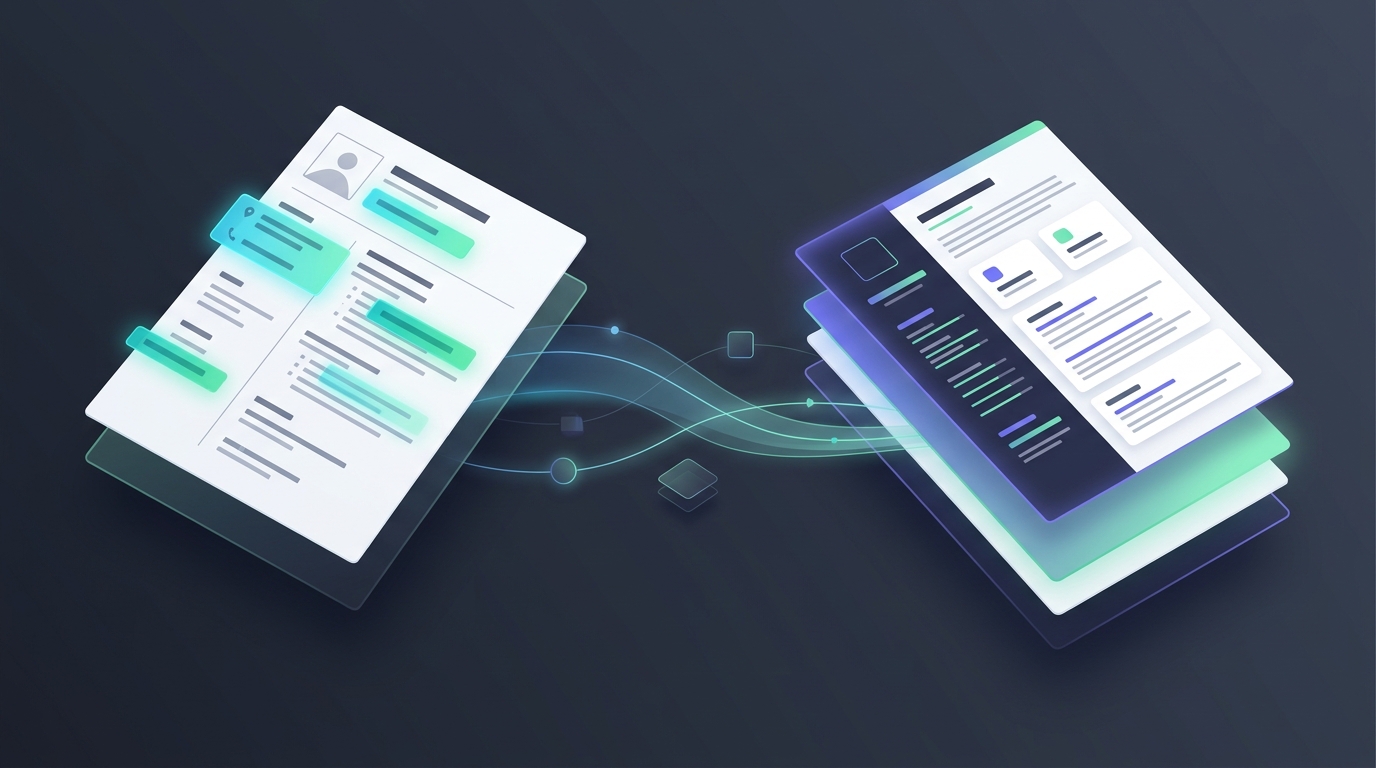

Resume formatting
Why Tier-1 Implementation Partners Reject 'Almost-Right' Client Templates
Nothing kills a high-margin submittal faster than an administrative kickback from a Tier-1 implementation partner at 4:45 PM EST. Your sourcer found a Principal Java Architect who checks every box on the requisition, verified the W2 rate, and secured the Right-to-Represent (RTR). Then the account coordinator uploads your standard agency resume instead of the mandatory client layout. Twenty minutes later, the portal status flips to `Admin Rejected - Non-Compliant Template Format`. By the time your offshore or domestic formatting desk rebuilds the Word document by hand, the 50-resume VMS cap on Beeline or Fieldglass is already locked.
Where 'Close Enough' Word Templates Break in MSP & Partner Portals
When you submit directly into enterprise programs—or route candidates through prime systems integrators like TCS, Wipro, and Cogent, or into direct corporate desks at Microsoft, Google, Ametek, and Coca-Cola—the intake coordinator is not reading the candidate's project bullets first. They are auditing the document structure against a strict vendor checklist. If the layout deviates, the file never reaches the technical hiring manager.
- Corrupted XML Table Grids — Copy-pasting candidate work history from a two-column Canva PDF into a legacy `.docx` master template brings hidden floating frames and broken paragraph tags along with it. When the client's Bullhorn or JobDiva parser ingests that file, the employment dates collide with the job titles, rendering the candidate's tenure as `0 Months`.
- Missing Account-Specific Summary Blocks — An Ametek or Wipro vendor packet expects a very specific top-of-page structure: candidate legal identifier, current location, relocation readiness, visa classification, and a structured skills matrix before the chronological experience even starts. Drop one required row, and the MSP coordinator flags the submittal as incomplete.
- Orphaned Header & Footer Watermarks — Recruiters frequently grab last month's formatted Word file, highlight the text, and paste a new candidate over it. Half the time, the previous client's header macro, a mismatched agency logo, or a hidden third-party watermark stays embedded in `word/header1.xml`. That single oversight exposes your sub-vendor chain or violates blind-submittal rules.
Why Switching Between 10 Client Templates Tanks Desk Speed
A typical US IT staffing desk works across three different delivery models before lunch. At 9:00 AM, you are submitting a blind, redacted profile to an MSP on Magnit. At 10:30 AM, a delivery lead at TCS or Wipro wants three DevOps engineers formatted into their exact partner matrix. By noon, an account manager needs a fully branded agency packet for a direct mid-market retail client.
Doing this manually inside Microsoft Word takes 25 to 40 minutes per resume. Recruiters waste hours fighting tab stops, fixing bullet indentations that jump three inches to the right, and manually recounting years of experience across eight contract stints. Worse, when recruiters rush to beat a 2-hour VMS SLA, they turn to generic AI chatbots to 'reformat' the text—which quietly rewrites the candidate's bullets, invents cloud certifications they never held, and sets your agency up for an awkward client interview failure.
Zero-Hallucination Rendering Across Pre-Built Enterprise Templates
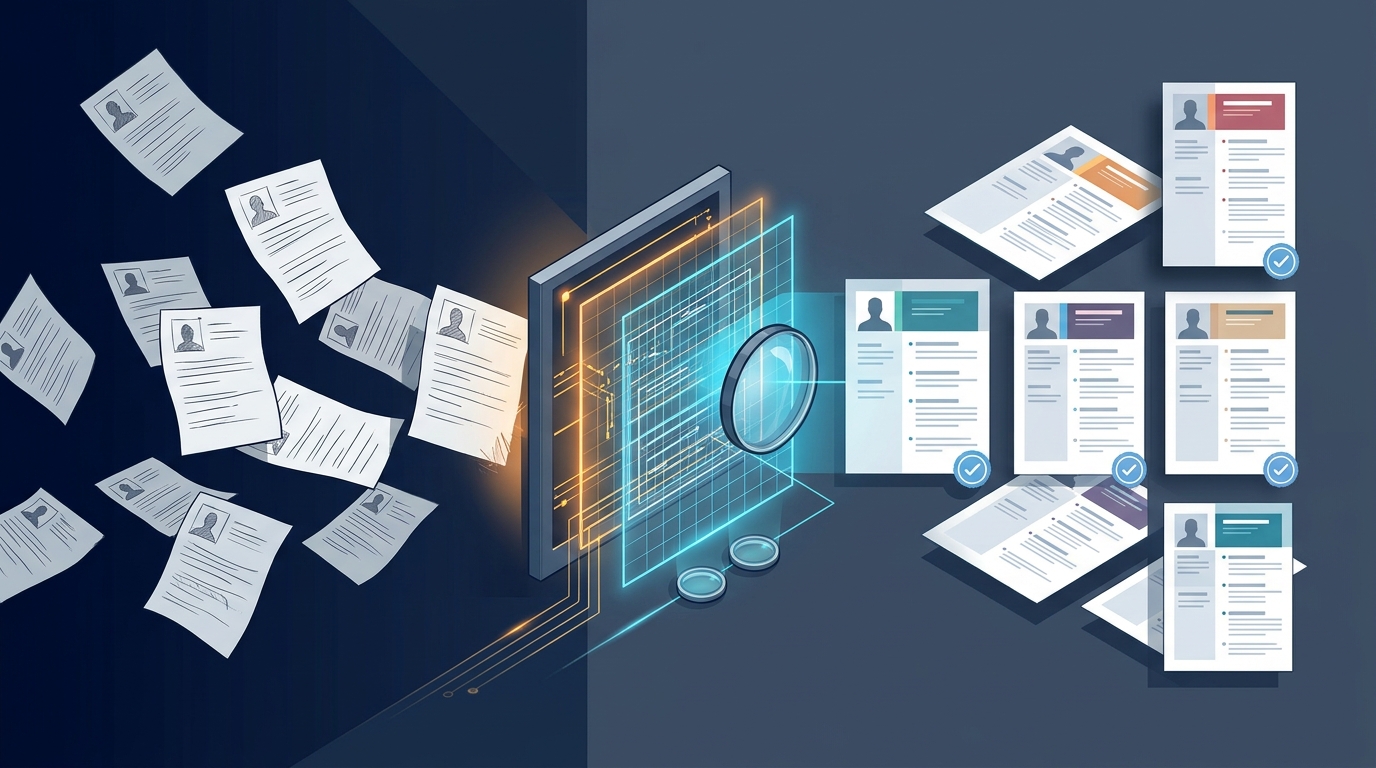
We built the Resume Templates Gallery and Resume Formatter inside Enorexa Recruiter to separate data extraction from document rendering. When you drop a messy, multi-column PDF or broken DOCX into the workbench, the AI only extracts structured facts—roles, dates, skills, education, and raw project bullets. It never rewrites, embellishes, or hallucinates a single word of the candidate's actual experience.
Once parsed, our deterministic Word engine compiles a brand-new, clean `.docx` file from scratch using pre-engineered master layouts—including `usa-default`, `ametek`, `google`, `microsoft`, `tcs`, `wipro`, `coca-cola`, and `cogent`. Every table border, font hierarchy, and header block is generated cleanly at the XML level with zero leftover metadata.
- Free 0-Credit Template Switching — Parse a candidate's resume once for 1 credit. If the first requisition closes and your account manager wants to pitch that exact same consultant to a different client ten minutes later, you can re-render the profile from `tcs` to `microsoft` or `usa-default` instantly for 0 credits.
- In-App White-Label Agency Branding — For direct client submittals, configure your custom logo, brand colors, and agency name inside Agency Branding. Every exported DOCX and workspace screen reflects your staffing firm's identity with zero 'Powered by' badges.
- Pre-Submittal Verification — Before generating the final packet, run the Experience Calculator to verify exact, overlap-free tenure and pair the file with a 4-bullet pitch from the Recruiter Summary tool.
Lock Down Your Submittal Packet Before the Next Requisition Drops
Stop letting your highest-paid recruiters burn billable sourcing hours fixing Word margins and rebuilding client tables by hand. Standardize your desk's output in seconds. Open the Free Toolkit, configure your agency's look in Agency Branding, and test the Resume Formatter on your toughest PDF resume today—with transparent, pay-as-you-go Pricing where 1 tool run equals 1 credit.
Enorexa Recruiter
Try the tool this article is about — upload or paste, then copy or download. No candidate database.
Format PDF to DOCX