
Resume formatting
Converting Messy PDF Resumes to Client DOCX Templates Without Hallucinations
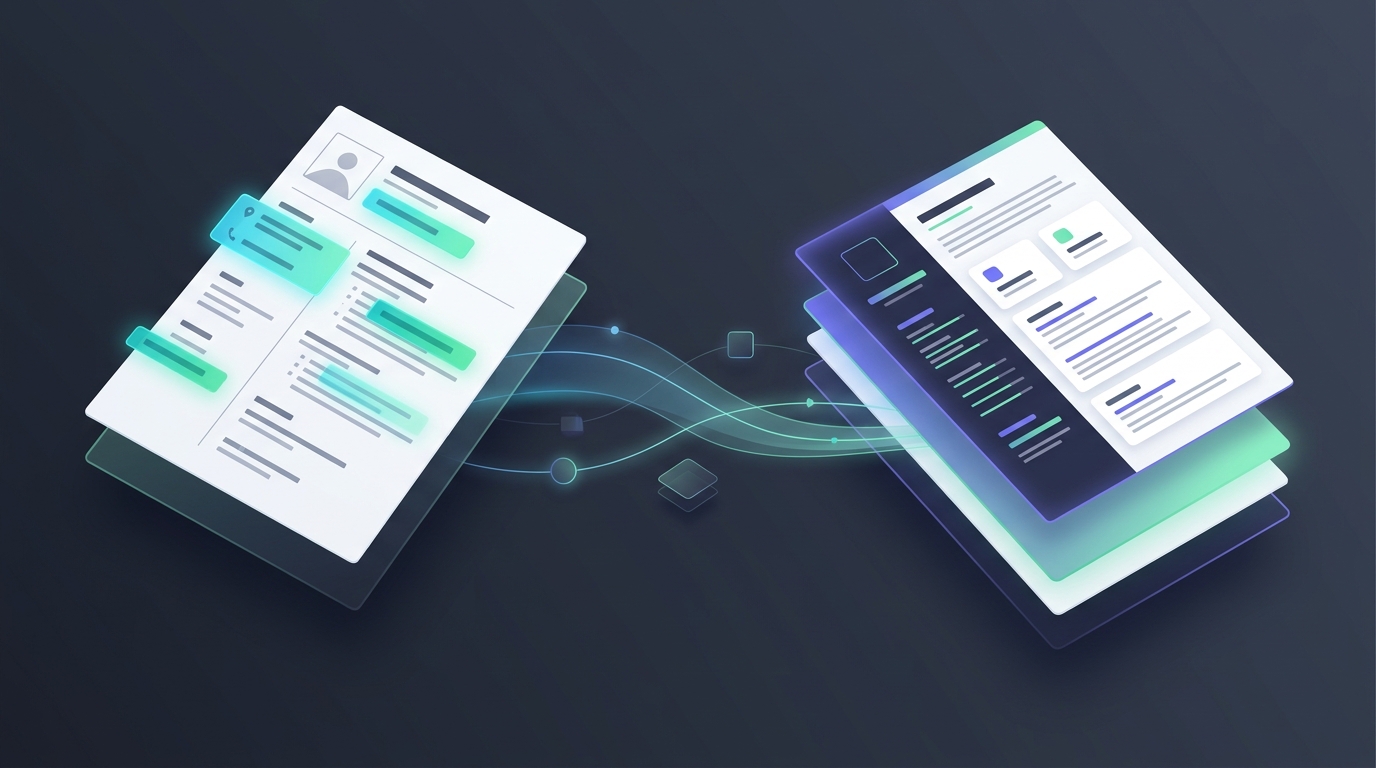
Every US IT staffing desk knows the 4:15 PM crunch: your sourcer finally locks in a senior Cloud Architect for a hot Tier-1 requirement, gets the RTR signed, and asks for the latest resume—only to receive a two-column PDF exported from Canva or LaTeX with floating text boxes, embedded skill progress bars, and broken margin tables. When you run that PDF through a generic converter or paste it into your agency's standardized Microsoft Word header template, the chronological work history scrambles and bullet points merge into unreadable blocks.
Even worse, many recruiters try to fix messy PDFs by pasting raw resume text into generic AI chatbots. The chatbot 'improves' the phrasing, invents metrics the engineer never claimed, or quietly drops legacy tool versions that the client's hiring manager specifically screens for. During technical screening, the candidate gets blindsided by questions about bullet points they never wrote, tanking your agency's credibility with the account manager.
Why Multi-Column PDFs Break Standard Staffing Templates
- Floating text boxes and sidebars — Design-heavy PDFs store contact headers, certifications, and core skills in separate layout layers that standard PDF-to-Word converters read out of sequence, dumping education and certifications right into the middle of a candidate's recent project experience.
- Corrupted date and location alignments — Right-aligned tab stops and invisible nested tables inside PDF exports turn into erratic spacing in DOCX, making `MM/YYYY – MM/YYYY` employment timelines fail automated compliance checks.
- Unintended AI paraphrasing — General-purpose LLMs are trained to rewrite and summarize rather than preserve verbatim technical phrasing, turning faithful formatting into a compliance liability when a client audits the original resume against the submitted packet.
To eliminate manual copy-pasting without risking fabricated experience, high-volume staffing teams use Enorexa's Resume Formatter to map messy PDF and DOCX resumes directly into standardized client Word templates while keeping 100% of the candidate's original wording intact.
What Every Tier-1 Client Word Template Needs in 2026
- Sanitized header with agency tracking metadata — Strip candidate phone numbers, personal emails, and LinkedIn URLs automatically so Tier-1 vendors and MSPs receive a clean, poach-proof header with your agency logo, candidate ID, visa status, and location.
- Single-column native Word paragraph styles — Replace floating columns and nested layout tables with clean heading hierarchies and standard bullet lists that parse cleanly across corporate ATS platforms.
- Structured technical skills matrix — Group languages, cloud platforms, orchestration tools, and databases at the top of the document using exact tokens extracted from the candidate's actual project bullets rather than guessed buzzwords.
- Consistent chronological project blocks — Enforce uniform client name, role title, and `Month/Year` date formatting across every role so account managers can verify tenure and spot employment gaps in five seconds.
A 5-Minute Desk Workflow from Raw Requirement to Clean DOCX
Start by dropping the client requirement into the JD Analyzer to isolate non-negotiable technical skills, work authorization rules, and location constraints. Next, generate targeted search strings with the Boolean & X-Ray Generator to source matching profiles on LinkedIn and job boards. Once a candidate sends over their raw PDF resume, run it through the Resume Formatter to produce a clean, blind or branded DOCX file in under a minute, and verify the final packet against the requirement using the Resume Matcher so you know every must-have skill is clearly evidenced before sending it to your account manager.
Ready to reclaim 30 minutes per submittal and stop wrestling with broken PDF layouts? Explore the Free Toolkit to format your next candidate resume right now, or check out Pricing to equip your entire US IT recruiting desk.
Enorexa Recruiter
Try the tool this article is about — upload or paste, then copy or download. No candidate database.
Format PDF to DOCX