
Resume formatting
Blind Resume Redaction & PII Removal for MSP & VMS Submittals
Every US IT staffing account manager knows the sting of an instant MSP compliance rejection—or worse, a supplier scorecard penalty—because a recruiter left a candidate's personal Gmail address buried in a page-two footer or drew a black rectangle over a PDF phone number that a coordinator could still highlight and copy. When submitting contractors through enterprise programs managed by Magnit, Allegis Global Solutions, Pontoon, or Tapfin, blind resume formatting is not optional; it is the primary firewall preventing candidate disintermediation and enforcing fair-evaluation rules.
Why Manual Blackout Boxes and Copy-Paste Scrubbing Fail MSP Audits
- Hidden PDF text layers and hyperlink metadata — Drawing a dark shape over a candidate's name or LinkedIn URL in a PDF viewer does not delete the underlying text stream. VMS parsers and MSP compliance checks routinely extract the raw text layer, immediately flagging the submittal for exposed Personally Identifiable Information (PII).
- Forgotten headers, footers, and document properties — Multi-page technical resumes often carry different first-page and continuation headers, embedded author properties, or GitHub portfolio links inside project descriptions that manual Word find-and-replace misses under a 15-minute submittal rush.
- Inconsistent candidate ID masking across the desk — When one sourcer labels a profile with initials and another uses an internal ATS number without standardizing the header block, account managers waste critical minutes re-editing files before uploading to Fieldglass, Beeline, or Coupa Contingent.
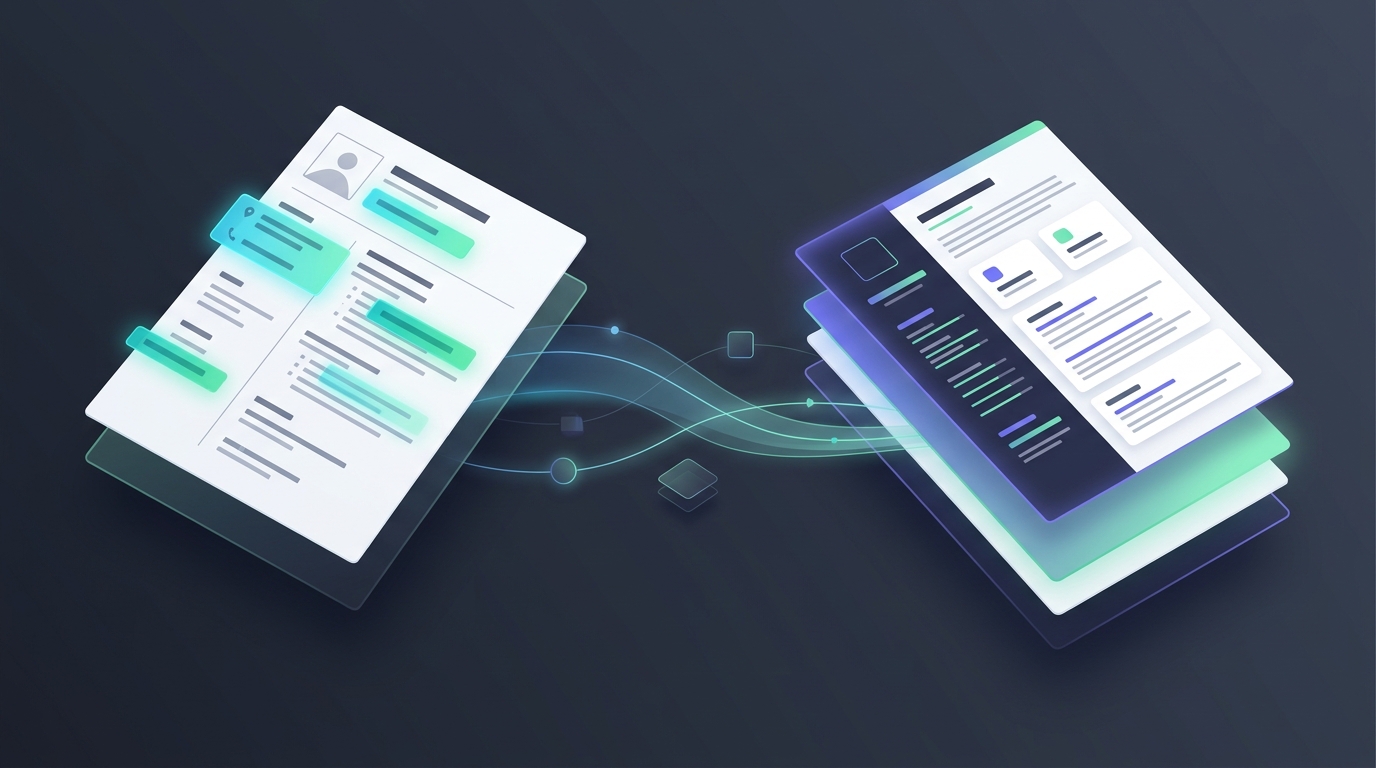
Instead of fighting broken Word tables and manual redactions, high-velocity staffing desks run incoming CVs through the Resume Formatter to strip direct contact details, normalize work history layouts, and map every bullet into a clean, client-ready DOCX template without altering a single word of the candidate's actual technical experience.
What Must Be Stripped vs. Retained on an Enterprise Blind Resume
- Direct contact identifiers (Strip 100%) — Full legal name (unless the VMS explicitly mandates first name + last initial), personal phone numbers, email addresses, street addresses, and personal portfolio or social URLs.
- Sub-vendor and third-party branding (Strip 100%) — On C2C submittals, residual logos, watermarks, or employer contact blocks from a bench sales vendor's cover sheet must be completely removed before applying your agency's approved header or neutral MSP tracking ID.
- Bias and age proxies (Strip per client tier) — Many enterprise diversity-hiring workflows require removing candidate headshots, full birthdates, and early university graduation years while preserving degree credentials and active cloud certifications.
- Verifiable delivery chronology (Retain intact) — Month-and-year employment ranges, client industry context, and exact tool environments must stay untouched so the MSP coordinator can verify total years of experience against the requisition matrix.
A 4-Step Blind Submittal Workflow for High-Volume US IT Desks
Start by dropping the raw portal requisition into the JD Analyzer to isolate mandatory technical skills, visa restrictions, and experience thresholds, and pair it with the Boolean & X-Ray Generator if your sourcers are actively hunting fresh W2 or C2C profiles. Once a qualified consultant is on the phone and confirms rate and right-to-represent, upload their raw PDF or DOCX directly into the Resume Formatter. In seconds, you get a clean, standardized Word document where contact blocks are cleanly replaced with your agency's tracking header and all project bullets remain verbatim.
Before uploading the sanitized file to the portal, run the finished blind packet against the job order in the Resume Matcher to verify that every required skill appears clearly in the work history and summary matrix. This pre-submittal check prevents the classic mistake where a recruiter strips out a header portfolio link that happened to be the only place a required certification or framework was mentioned.
Stop losing VMS submittal slots to preventable PII leaks and manual Word formatting bottlenecks. Explore our Free Toolkit to standardize your next blind resume in seconds, or check out Pricing to equip your entire recruiting and bench sales team with Enorexa Recruiter.
Enorexa Recruiter
Try the tool this article is about — upload or paste, then copy or download. No candidate database.
Format PDF to DOCX