
Recruiting Workflow
How to Cut VMS Submittal Time Under 15 Minutes on Fieldglass & Beeline

When a high-margin contract requisition drops into SAP Fieldglass or Beeline, US IT staffing desks are immediately on the clock. Most enterprise MSP programs cap candidate submissions at the first five to ten profiles—or review purely on a first-in basis within a two-hour SLA window. Yet even when your sourcers find a strong W2 or C2C consultant in ten minutes, the submittal often stalls for another forty-five minutes while recruiters wrestle with broken PDF tables, strip personal contact details, and manually verify must-have skills.
Why Good IT Submittals Miss the First-In VMS Cutoff
- Ambiguous VMS requisition dumps — Enterprise job descriptions in Fieldglass and Beeline often bury citizenship rules, hybrid attendance mandates, and exact framework versions inside walls of boilerplate compliance text.
- Multi-column PDF formatting traps — Candidates frequently send resumes exported from design tools or two-column templates that scramble VMS parsers and take 25+ minutes to rebuild in Microsoft Word.
- Manual PII scrubbing and template rules — Missing a single phone number, LinkedIn URL, or vendor-neutral header rule triggers an immediate MSP compliance rejection and hurts your supplier scorecard.
- Unverified skill-to-project alignment — Submitting a resume where core technologies appear in the skills matrix but are missing from recent client project bullets leads to fast MSP screening knockouts.
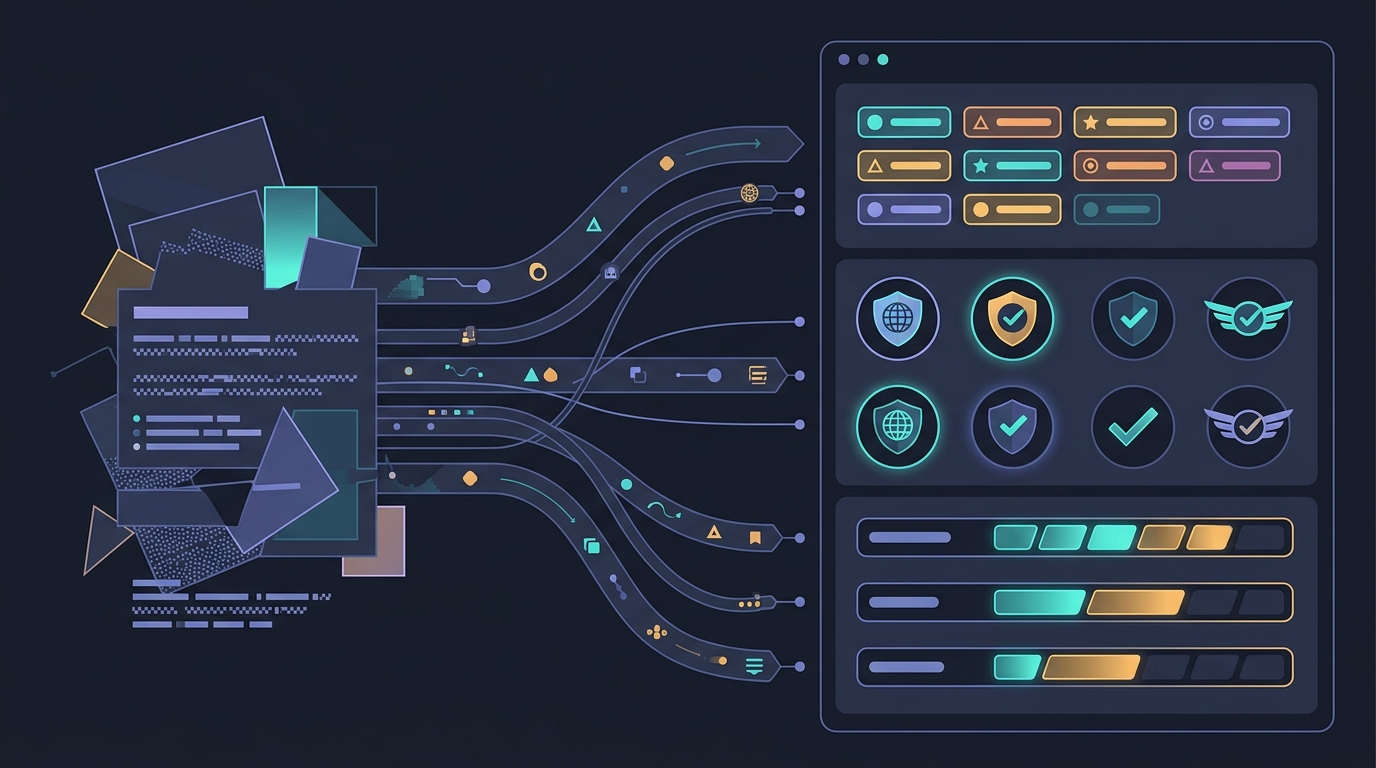
Instead of reading a 1,500-word requisition line by line while the submittal cap fills up, top account managers paste the raw VMS text directly into the JD Analyzer to pull out hard must-haves, visa constraints, and location rules in seconds, then trigger the Boolean & X-Ray Generator so sourcers can immediately pull matching LinkedIn and GitHub profiles.
The 15-Minute Requisition-to-Submittal Desk Workflow
- Minutes 0–3: Extract constraints & launch sourcing — Run the raw VMS req through your analyzer to separate true technical knockouts from nice-to-haves, and fire off targeted Boolean strings while your competition is still highlighting the JD.
- Minutes 3–8: Screen & score candidate alignment — Once you have a responsive consultant and signed RTR, run their raw resume against the requisition using the Resume Matcher to verify that every mandatory tool, cloud certification, and years-of-experience requirement is explicitly evidenced in their project history.
- Minutes 8–12: Standardize into a compliant DOCX template — Upload the candidate's messy PDF or DOCX into the Resume Formatter to automatically strip PII, flatten multi-column layouts, and output a clean, parser-friendly client Word document without altering the candidate's original technical wording.
- Minutes 12–15: Final MSP compliance check & upload — Verify that work history dates include exact month and year, confirm the skills summary mirrors the VMS requisition keywords in the top third of page one, and upload to Fieldglass or Beeline well ahead of the first-wave cutoff.
Protecting Your MSP Scorecard Without Slowing Down
Speed in US IT staffing never means blind resume slinging. Enterprise MSPs track submittal-to-interview ratios closely, and flooding a portal with poorly formatted or mismatched profiles will drop your agency into lower supplier tiers. By automating the mechanical bottlenecks—JD breakdown, keyword verification, and DOCX template formatting—your recruiters spend their time validating candidate motivation, rate locks, and architecture depth rather than fighting Word margins.
Ready to eliminate manual resume reformatting and win more first-in VMS submittal slots? Explore our Free Toolkit to test the workflow on a live requisition today, or check out Pricing to equip your entire recruiting desk with Enorexa Recruiter.
Enorexa Recruiter
Try the tool this article is about — upload or paste, then copy or download. No candidate database.
Format PDF to DOCX