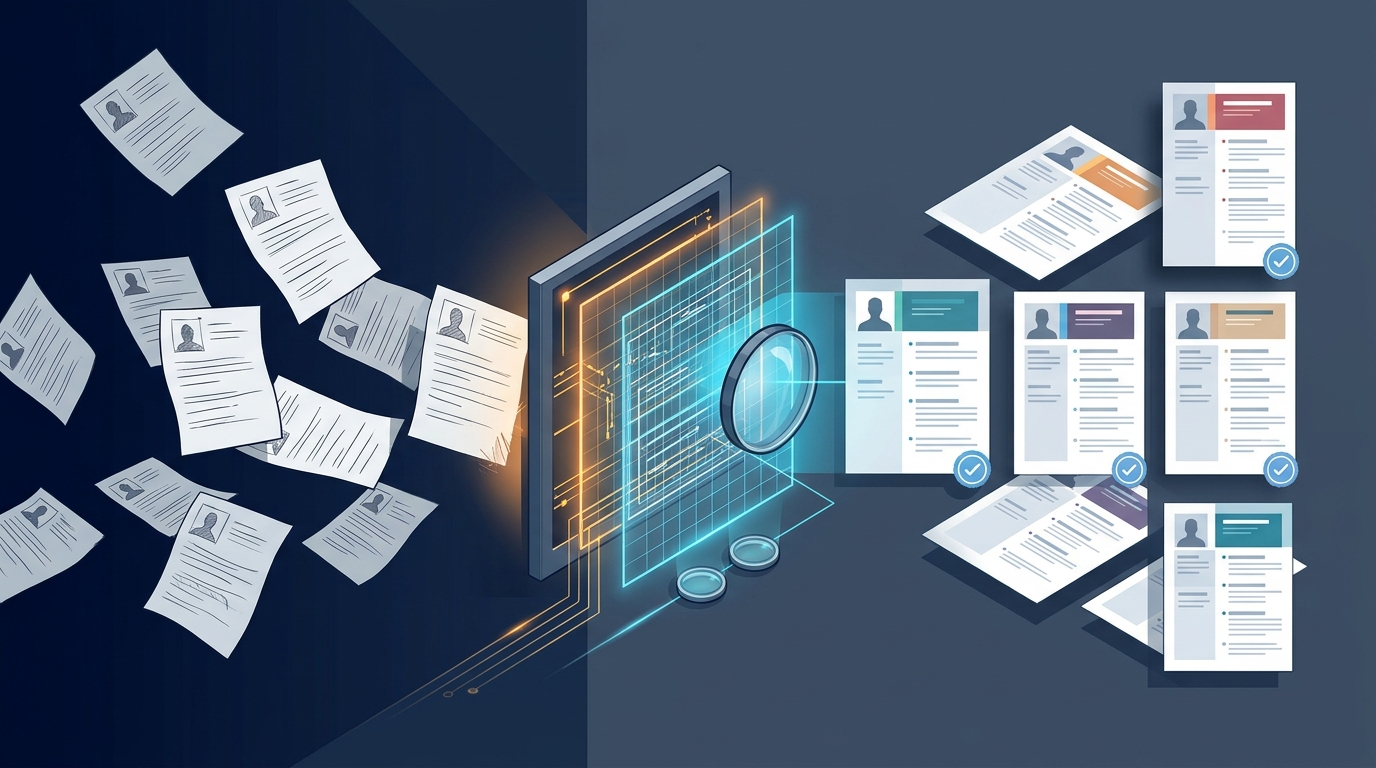
Resume formatting
Why Outdated Client Resume Templates Kill Submittals (And How to Fix It)

You just spent three hours sourcing, screening, and prepping a rockstar candidate for a critical client role. You format the resume, hit submit, and then the rejection email lands: 'Candidate not considered due to incorrect template version.' It's a gut punch, and it happens more often than anyone admits. Client templates, especially for Tier-1 vendors like Google, Microsoft, or even specific VMS portals, are living documents. They change, often subtly, and if your team isn't on top of the latest version, you're just burning cycles.
The Silent Killer: Why Template Drift Happens
The problem isn't usually malicious; it's operational. Client-side hiring managers or MSPs often tweak their preferred resume layouts for specific roles or new compliance standards. Maybe they added a new section for 'AI/ML Project Contributions' or removed the 'References Available Upon Request' line. These changes rarely come with a formal 'Template Update' email. Instead, a recruiter on the client side might send a new example, or a hiring manager might mention it in passing. This creates a fragmented knowledge base within your agency:
- Email Chain Chaos: New templates get buried in email threads, shared ad-hoc, and never properly centralized.
- Local Drives & Desktops: Recruiters save 'the latest' template to their desktop, creating multiple, unsynced versions.
- 'Close Enough' Syndrome: Teams use an older version, thinking it's 'close enough,' only to find out the hard way it wasn't.
- Offshore Handoff Gaps: Night-shift RPO teams might be working from a template that was current a month ago, but not today, leading to rejected morning submittals.
This template drift isn't just annoying; it costs you placements and damages your agency's reputation for compliance. It's why we built Resume Formatter with a Resume Templates Gallery that allows for master template management.
Locking Down Your Template Version Control
Fixing template drift requires a disciplined approach, not just good intentions. Here's how to implement a robust version control system that actually works:
- Centralized, Single Source of Truth: Designate one person or a small team to be the 'Template Gatekeepers.' All new client templates, or updates to existing ones, must go through them. They are responsible for uploading the latest versions to a shared, cloud-based repository (e.g., SharePoint, Google Drive, or ideally, a tool like Enorexa Recruiter that manages templates directly).
- Clear Naming Conventions & Versioning: Every template needs a clear name (e.g.,
ClientName_Role_Template_v2.1_20261115.docx). The version number and date are critical. When a new version is released, the old one is archived, not deleted, and clearly marked as 'OUTDATED.' - Automated Change Detection (If Possible): For high-volume clients, consider tools that can compare document structures. While not always perfect, some advanced formatting platforms can highlight structural differences between an old and new template.
- Mandatory Training & Audits: Periodically train your team on the importance of using the *latest* templates. Conduct spot audits of submitted resumes to ensure compliance. Make it clear that using an outdated template is a critical error.
- White-Label Your Tools: If you're using a tool for formatting, ensure it supports Agency Branding so your templates are consistently branded and managed centrally, not scattered across individual recruiter desktops.
The cost of a rejected submittal due to an outdated template far outweighs the effort of maintaining strict version control. Stop letting preventable errors kill your placements. Tools like Enorexa Recruiter are built to centralize and automate this, ensuring every resume that leaves your desk is compliant with the latest client standards, every single time. It's about working smarter, not just harder, to get those candidates through the door.
Enorexa Recruiter
Try the tool this article is about — upload or paste, then copy or download. No candidate database.
Format PDF to DOCX